Press
The facts, the clips and the screenshots — use any of it.
Snuggery is an iPhone app for the small apps people build by asking an AI. Ask for a training log, a recipe box or a dashboard and you get a folder of HTML with nowhere to run it on a phone; Snuggery is where it lives. Import the ZIP, tap it, it runs — offline, in a sandbox that cannot reach the network, beside the user's PDFs, notes and spreadsheets. Apps read the data files stored next to them, which the user can edit in place. Version 1.1 adds dashboards that refresh themselves through Shortcuts, and Ask: a question about a file, a folder or a mini-app's data, answered on the phone by Apple's on-device model. Made by one developer in Norway. One purchase after a free week.
The facts
- Platform: iPhone, iOS 18 and later. Ask needs a phone with Apple Intelligence (iOS 26).
- Price: one purchase after a complete 7-day trial. No subscription, no account. When the trial ends only adding new content is gated; everything already imported keeps working and can always be exported.
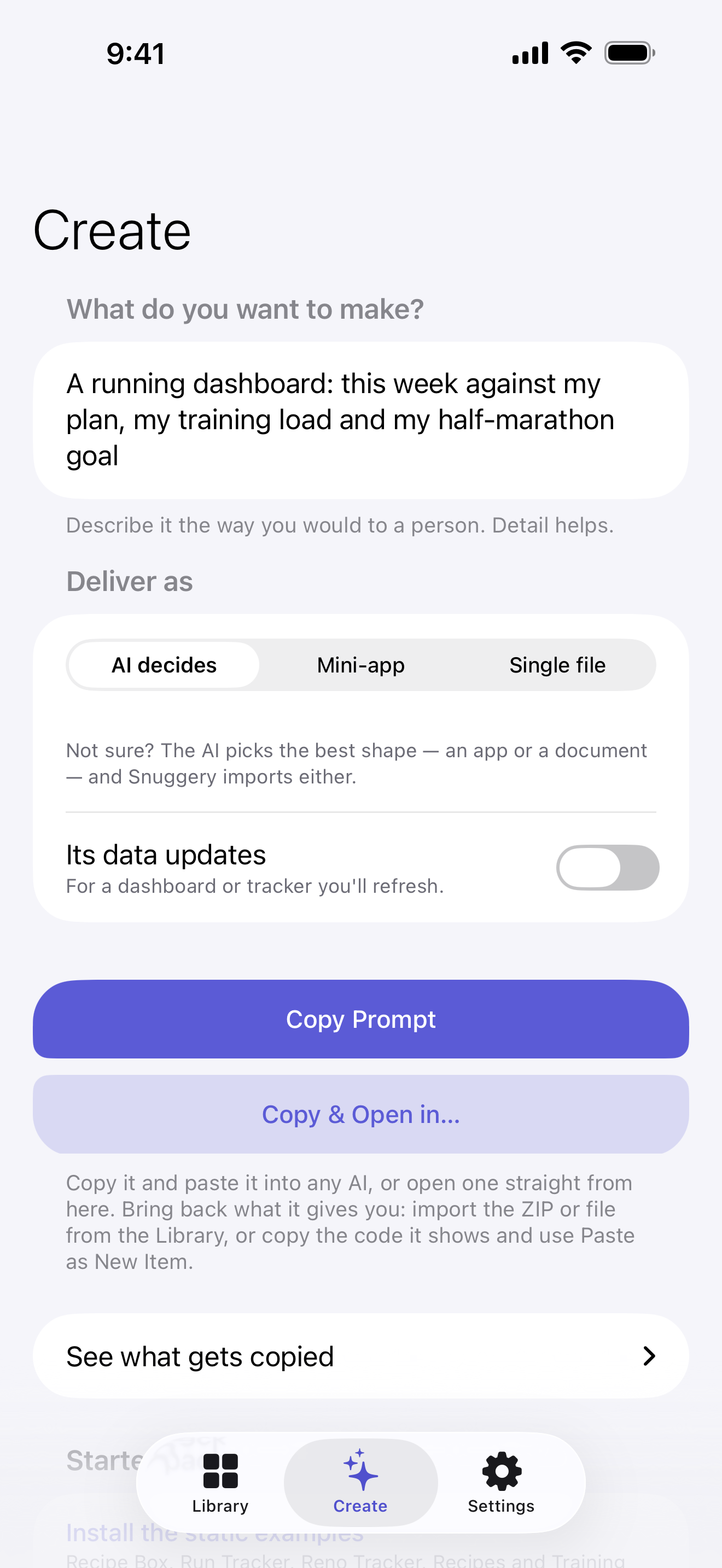
- What it does not do: generate apps. Its Create tab writes a prompt for the user's own AI; the ZIP that comes back is what gets imported. The app contacts no AI service.
- Privacy: no account, no analytics, no third-party frameworks; the app makes no network requests of its own. Mini-apps are blocked from the network by a WebKit content rule list, a Content-Security-Policy header and the navigation policy, independently, and there is no JavaScript-to-native bridge. The review note invites Apple to review it in Airplane Mode; you can too. The privacy policy is short enough to read in a minute.
- App Review: approved by App Review; the review note makes the guideline 4.7 (HTML5 mini apps) case explicitly — the app distributes nothing; every mini-app is a file the user imported, the way a document viewer holds documents.
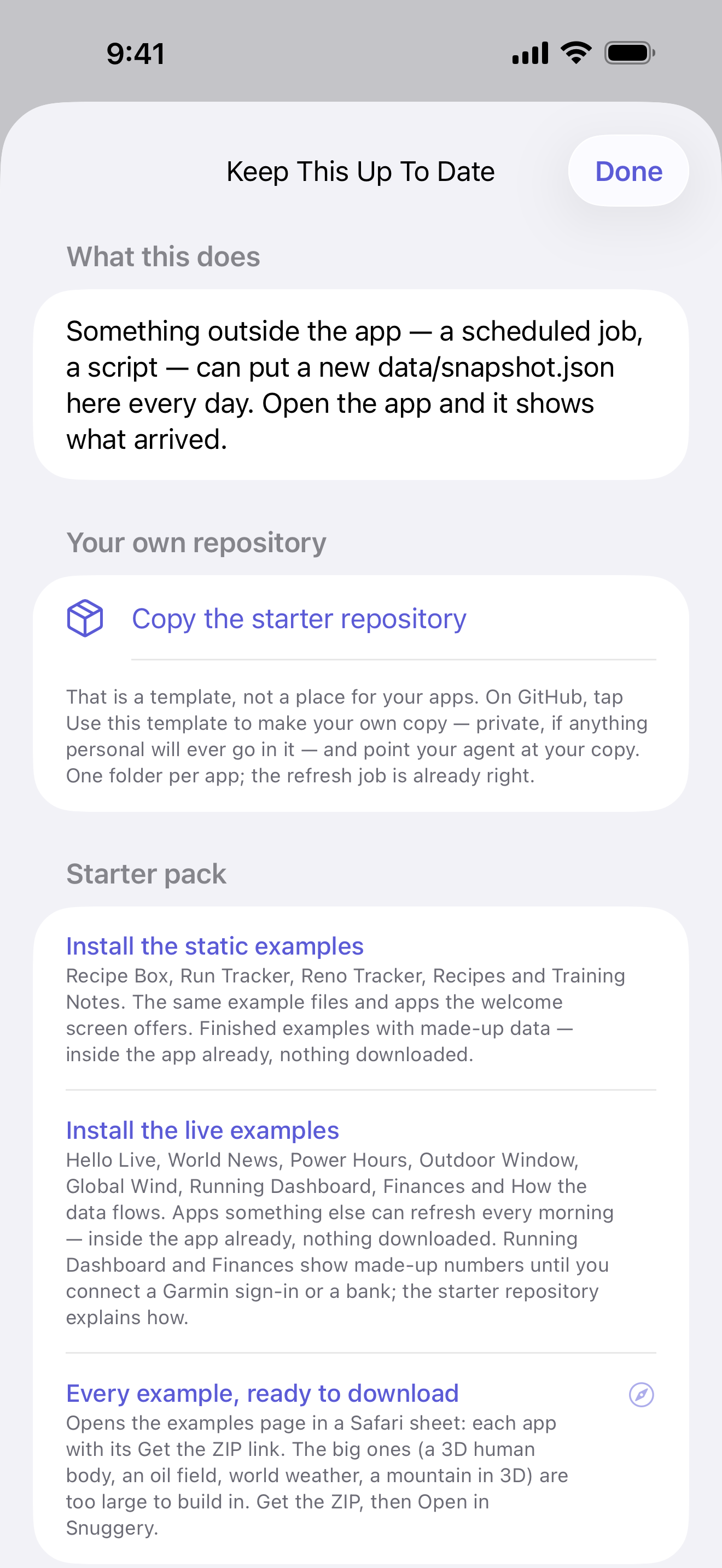
- Live dashboards: a GitHub Action (or any scheduler) writes a small JSON file; a Shortcut on the phone copies it into the app through an App Intent, on the user's schedule. The app also has a Rebuild Data Now button that runs that shortcut. Snuggery never fetches anything itself. The developer's own Garmin dashboard adds a third job: a daily scheduled Claude Code session reads the pulled data and writes the assessment, a note on each session and the week's plan (the write-up).
- The examples: nineteen apps in an open template repository, all built by asking an AI — a 3D mountain from Kartverket's open terrain, the Norne oil-field reservoir model, two atlases of the North Sea's and the world's oil and gas, the galaxy from JPL and Gaia data, a human body in 1,752 parts, a Garmin dashboard, an original kart racer. They run in a browser too.
- Built with: Apple frameworks only — SwiftUI, SwiftData, WebKit, StoreKit 2, App Intents and, for Ask, Foundation Models; no third-party code. Mini-apps are served over a custom URL scheme whose handler is a static file server for one package directory, each app with its own origin; ZIP import inspects every entry before extracting and is bounded by absolute limits, never compression ratios.
- App Store: apps.apple.com/app/id6805883209
- Contact: mtomasgaard+snuggery@gmail.com — codes for the purchase on request.
The film
One commercial, 50 seconds, silent by design: real footage of the app, no music. Two cuts of the same film — landscape for a page or a slide, vertical for a feed. Each link downloads it.
- snuggery.mp4 — landscape, 1920×1080, 50 s, 7.5 MB
- snuggery-vertical.mp4 — vertical, 1080×1920, 50 s, 9.3 MB
Clips
Each link downloads the clip as shown: the plain recording, vertical, 720×1566, H.264, no sound, no frame. Recorded by the developer on their own iPhone, and edited only for length, with a ring at each tap and a label on what the clip shows. The words to post with each are in its caption below.
make-an-app.mp4 — describe an app, your AI builds it, import the ZIP, it runs; a change is one more message
byggeprosjekt.mp4 — a real tool, in Norwegian: the planner for the developer's own window bench
the-loop.mp4 — a real Garmin dashboard refreshed by a Shortcut; Snuggery itself never goes online
milky-way.mp4 — from the planets to the galaxy, from real data
norne.mp4 — an oil field's reservoir model, 44,431 cells through nine years of production
anatomy.mp4 — a full human body in 3D on a phone, 1,752 anatomical structures
global-weather.mp4 — five days of global weather on a map or a globe
world-oil-gas.mp4 — every country's oil and gas since 1900, and the world's oil and gas fields
The examples, in motion
All nineteen examples, one take each, drawn frame by frame by the apps' own code at phone size, with a ring at each touch. Real time, nothing sped up, 720×1564, H.264, no sound. Each was checked by two independent reviews against its frames and for flashing (at most two flashes in any second). Snug Kart's take has one cut, from the first lap to the finish.
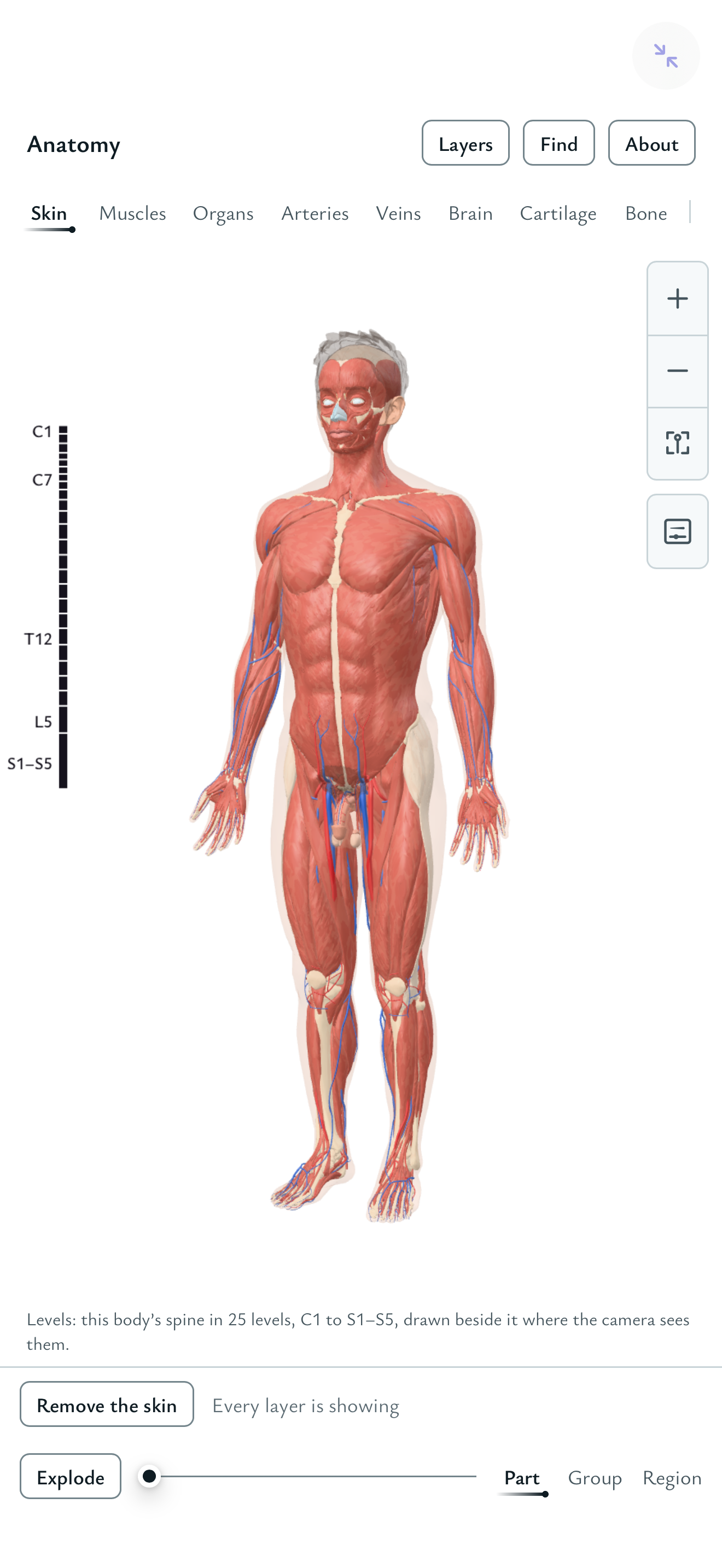
anatomy.mp4 — Anatomy, 43 s: a full human body in 3D, 1,752 structures: layers peeled, organs picked, the body exploded
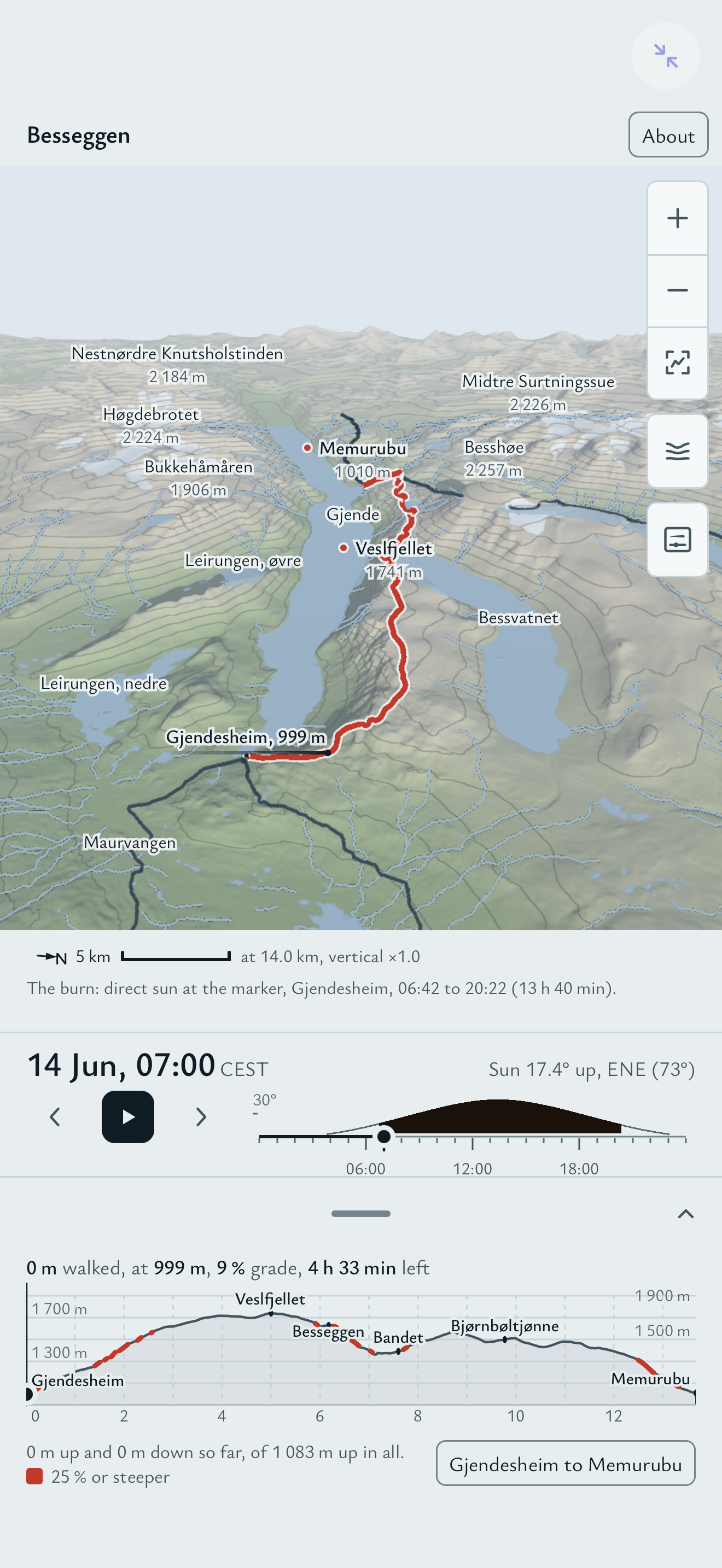
besseggen.mp4 — Besseggen, 41 s: a Norwegian ridge in 3D with the real sun and shadow, slopes coloured and a viewshed
earth-history.mp4 — Earth's History, 43 s: the Earth at 90 moments from 750 million years ago to today, on a globe
finances.mp4 — Finances, 30 s: a household's money, made-up: net worth, what is owned and owed, spending and savings
global-weather.mp4 — Global Weather, 42 s: five days of global weather on a map or a globe, with the time player
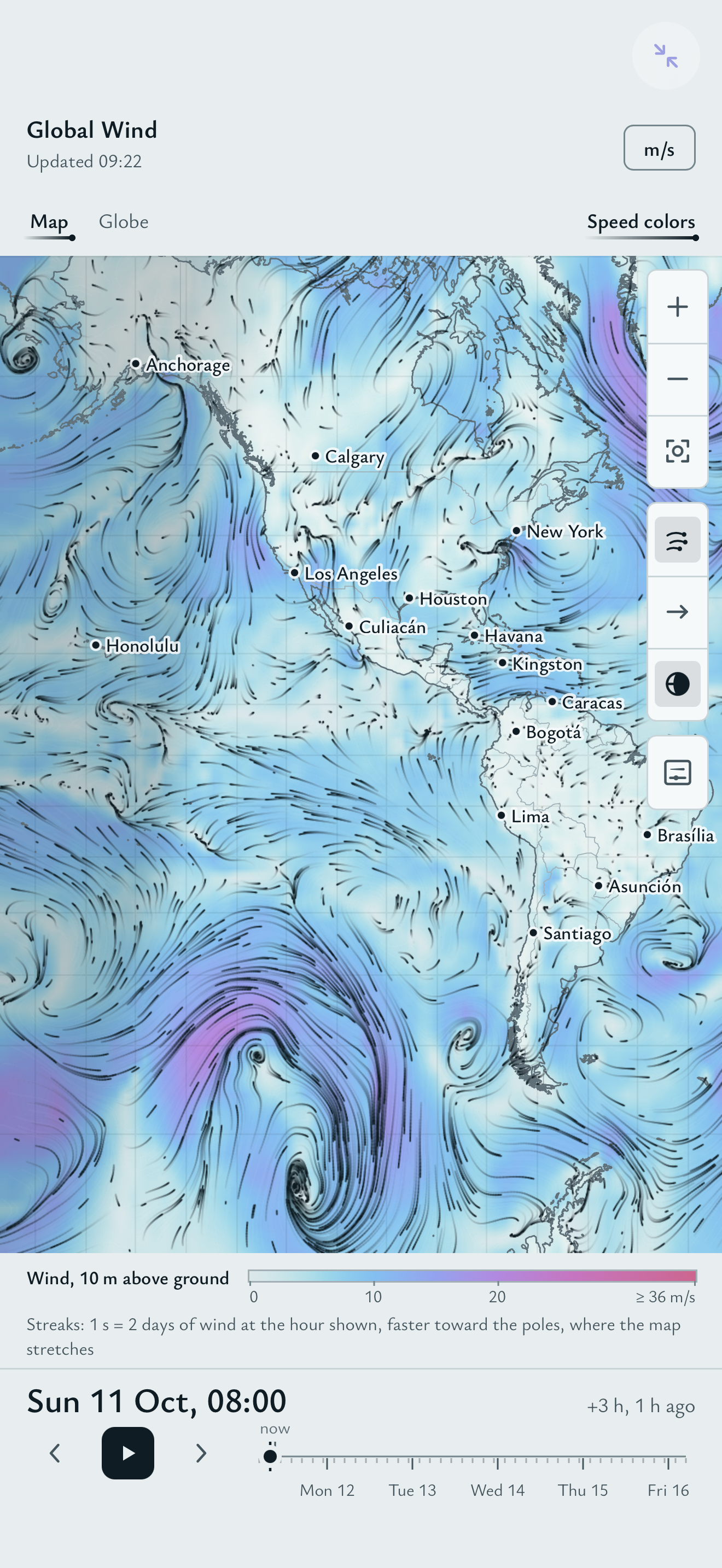
global-wind.mp4 — Global Wind, 41 s: five days of global wind, drawn as it moves, on a map and a globe
hello-live.mp4 — Hello Live, 8 s: the refresh loop's proof: a new file lands and the time card marks it
milky-way.mp4 — Milky Way, 45 s: from the planets out to the galaxy, real data only
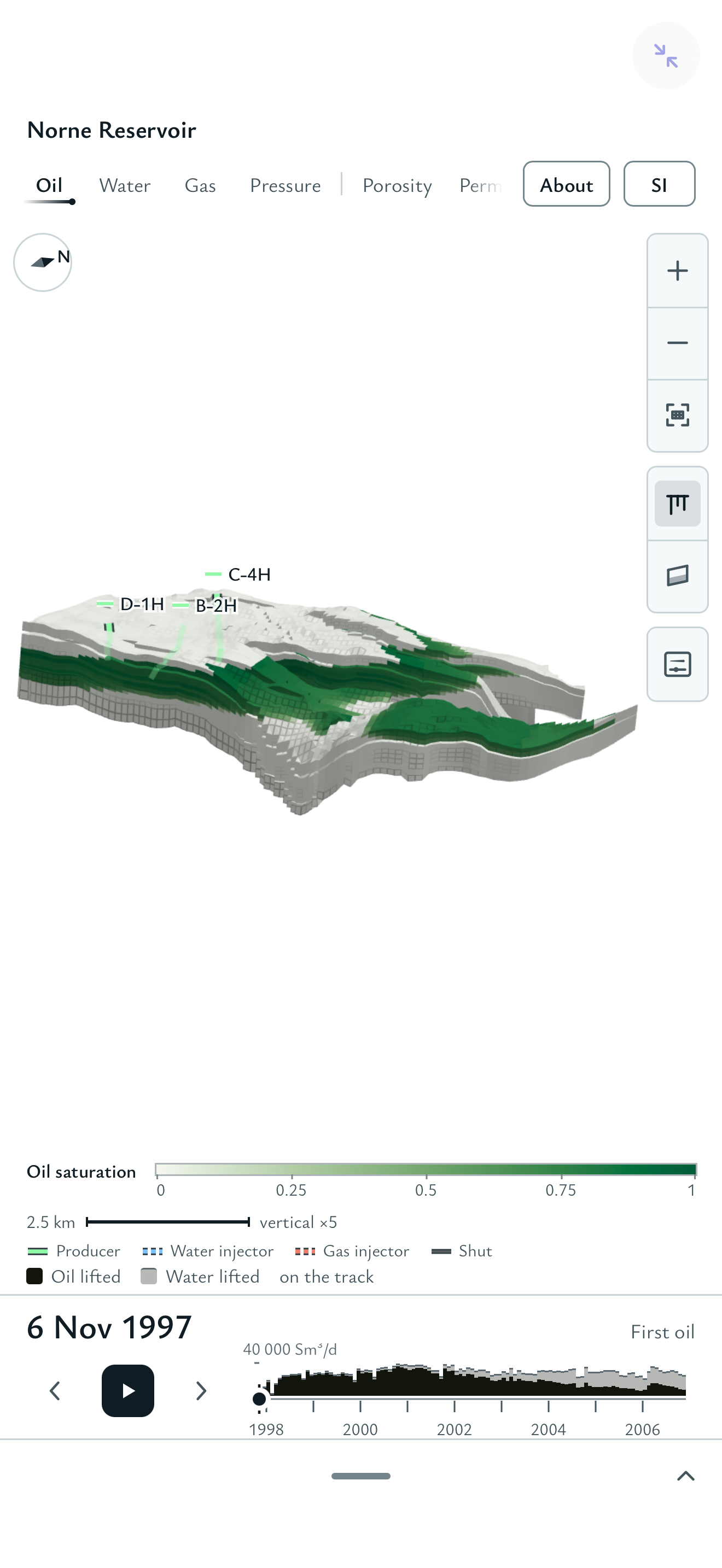
norne-reservoir.mp4 — Norne Reservoir, 45 s: an oil field's reservoir model through nine years of production
outdoor-window.mp4 — Outdoor Window, 25 s: the next 48 hours of weather scored against rules you write yourself
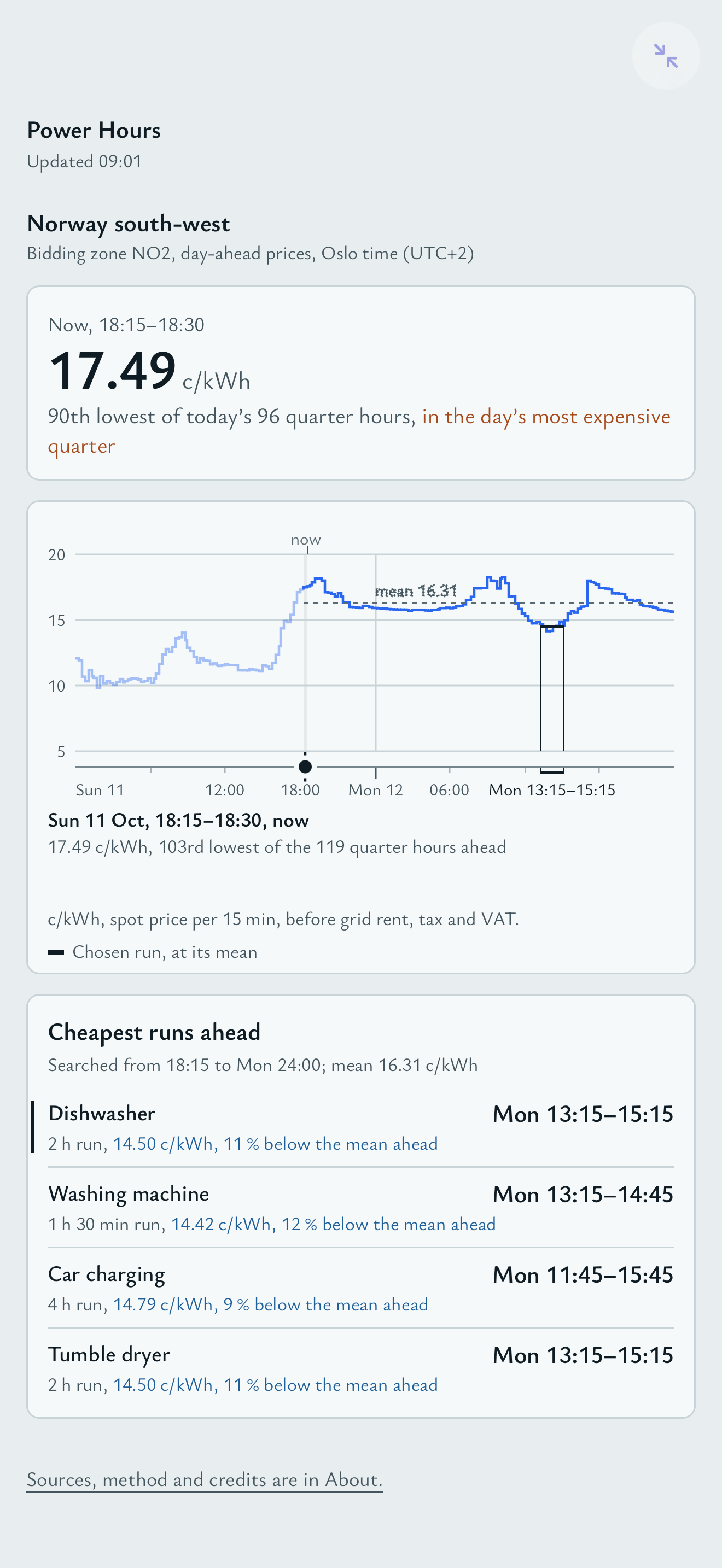
power-hours.mp4 — Power Hours, 27 s: electricity prices hour by hour, and the cheapest hours to run each appliance
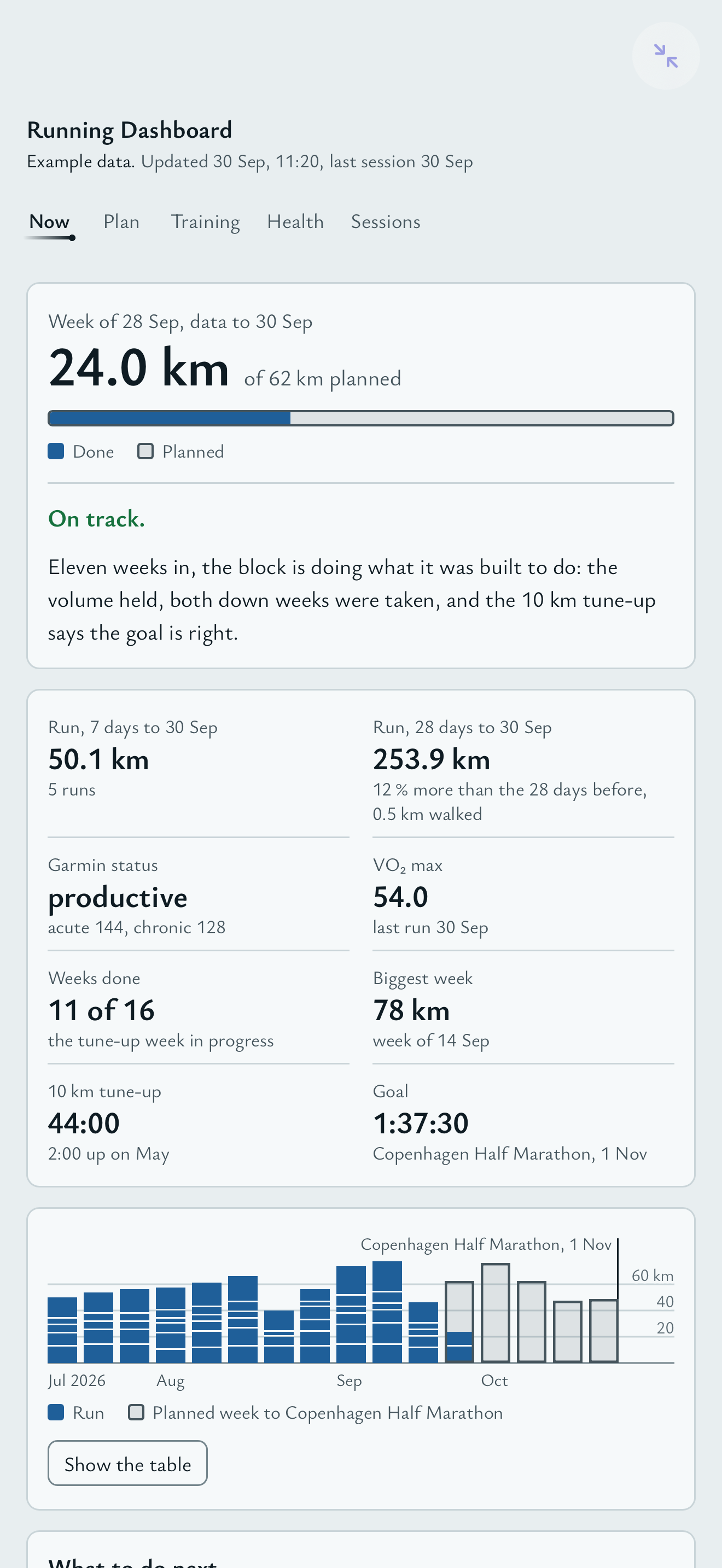
running-dashboard.mp4 — Running Dashboard, 31 s: a training dashboard for a made-up runner: plan, load, health and sessions
shelf-atlas.mp4 — Shelf Atlas, 43 s: the North Sea's oil and gas fields, pipelines and platforms, every month since 1971
snug-kart.mp4 — Snug Kart, 43 s: an arcade kart racer, steered by thumb: a race, an item thrown, the Lap Chart
us-quakes.mp4 — US Quakes, 40 s: earthquakes around the US since 1638, with depth cross-sections
volve.mp4 — Volve, 57 s: a North Sea oil field's open model in 3D, its seismic section and the model exploded
warming-world.mp4 — Warming World, 46 s: temperature anomalies every year since 1880, on a globe and a map, with the warming stripes
world-news.mp4 — World News, 16 s: headlines by region from newsrooms whose terms allow it, by age
world-oil-gas.mp4 — World Oil & Gas, 43 s: every country's oil and gas since 1900
The examples, as pictures
Two full-screen panes of each showpiece, side by side, 1304×1391.
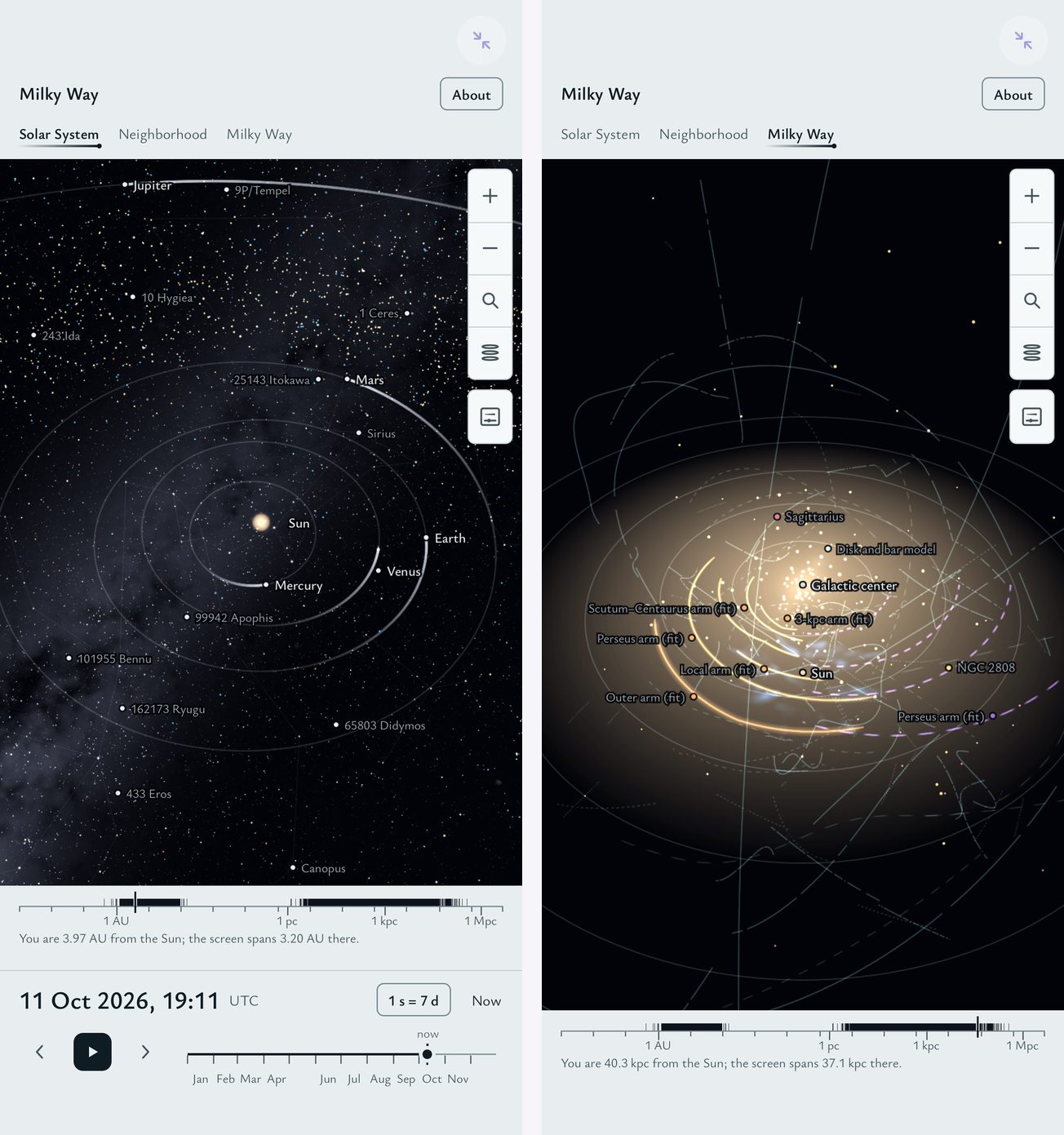 Milky Way
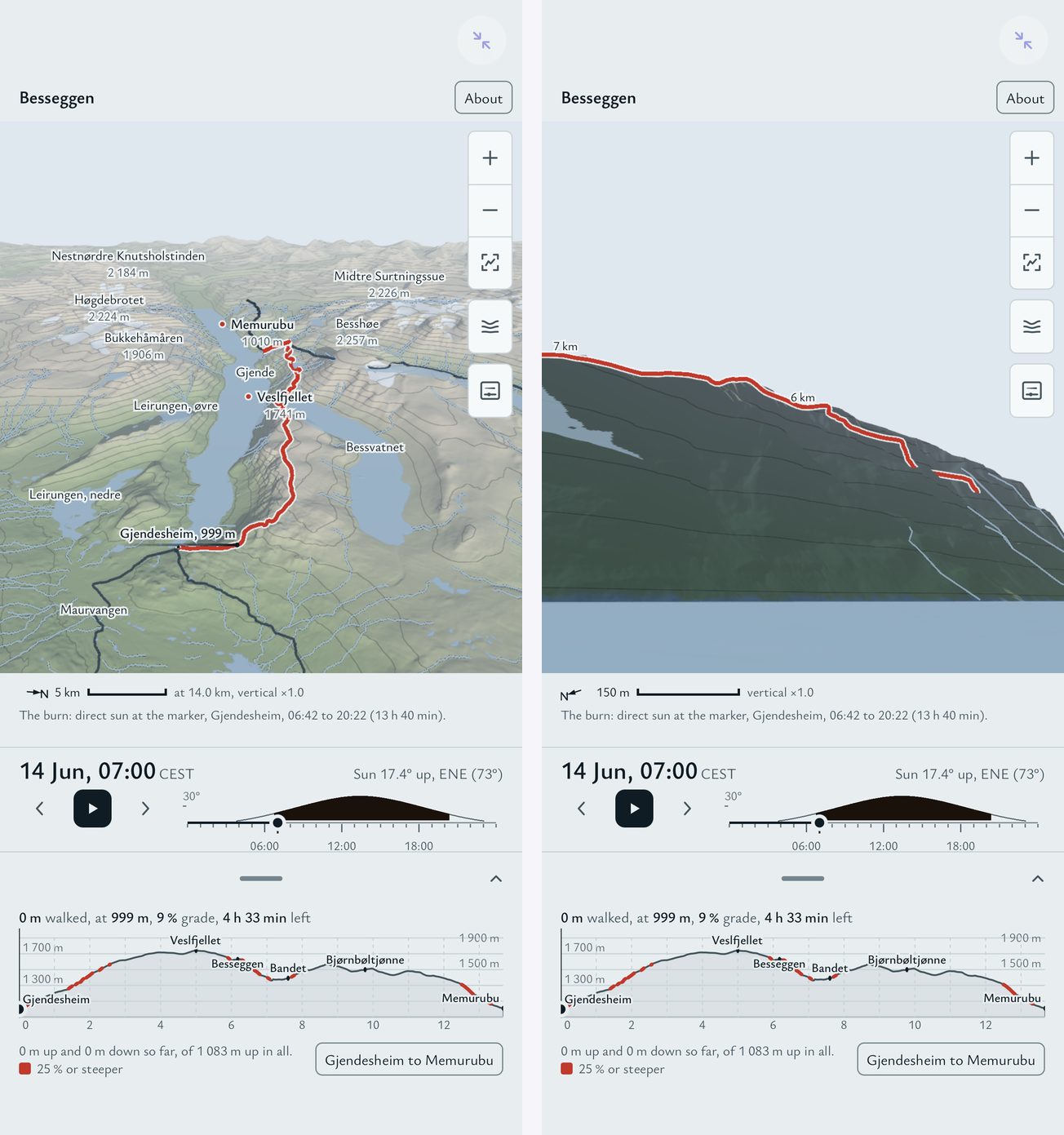 Besseggen
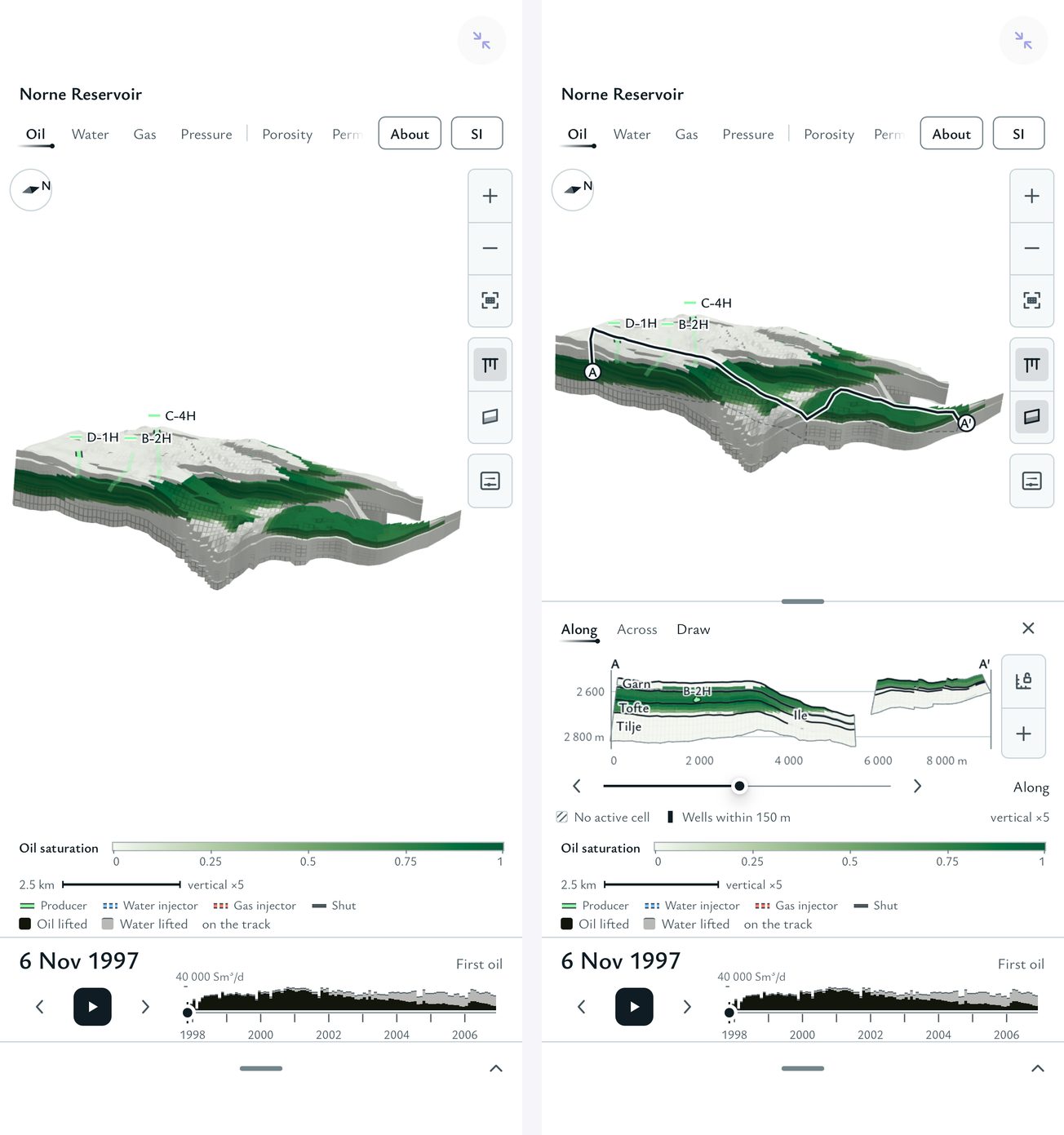 Norne Reservoir
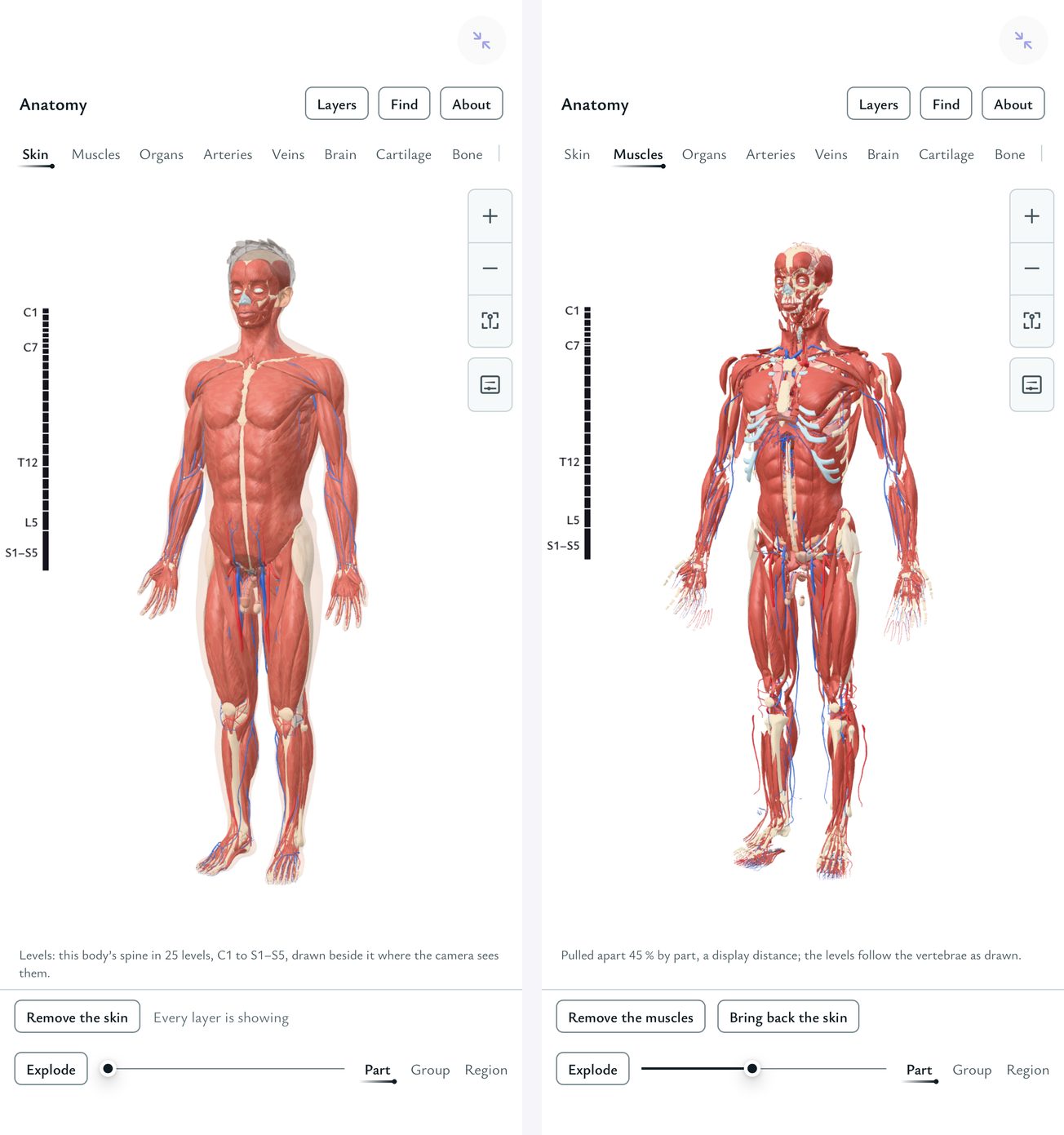 Anatomy
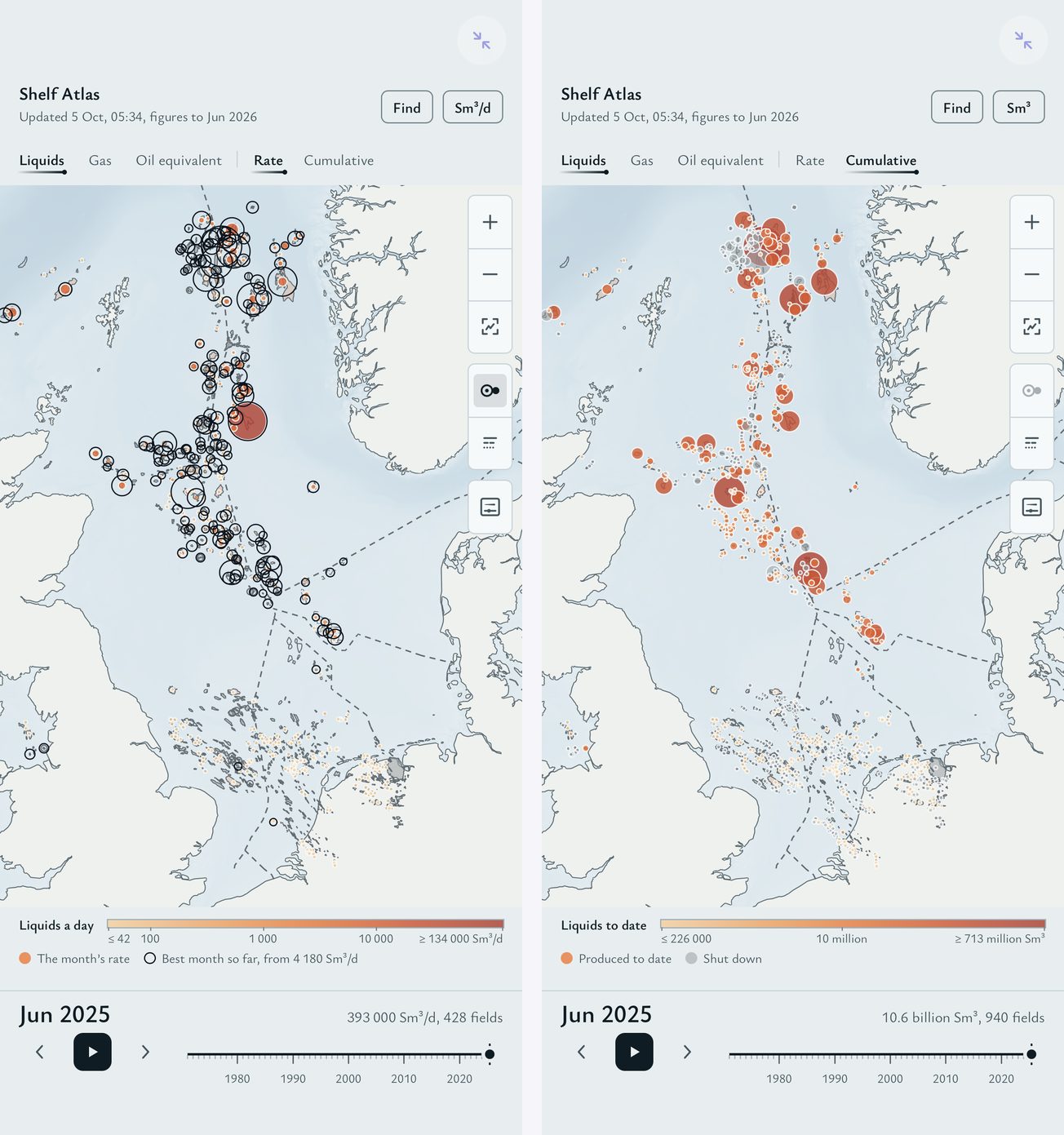 Shelf Atlas
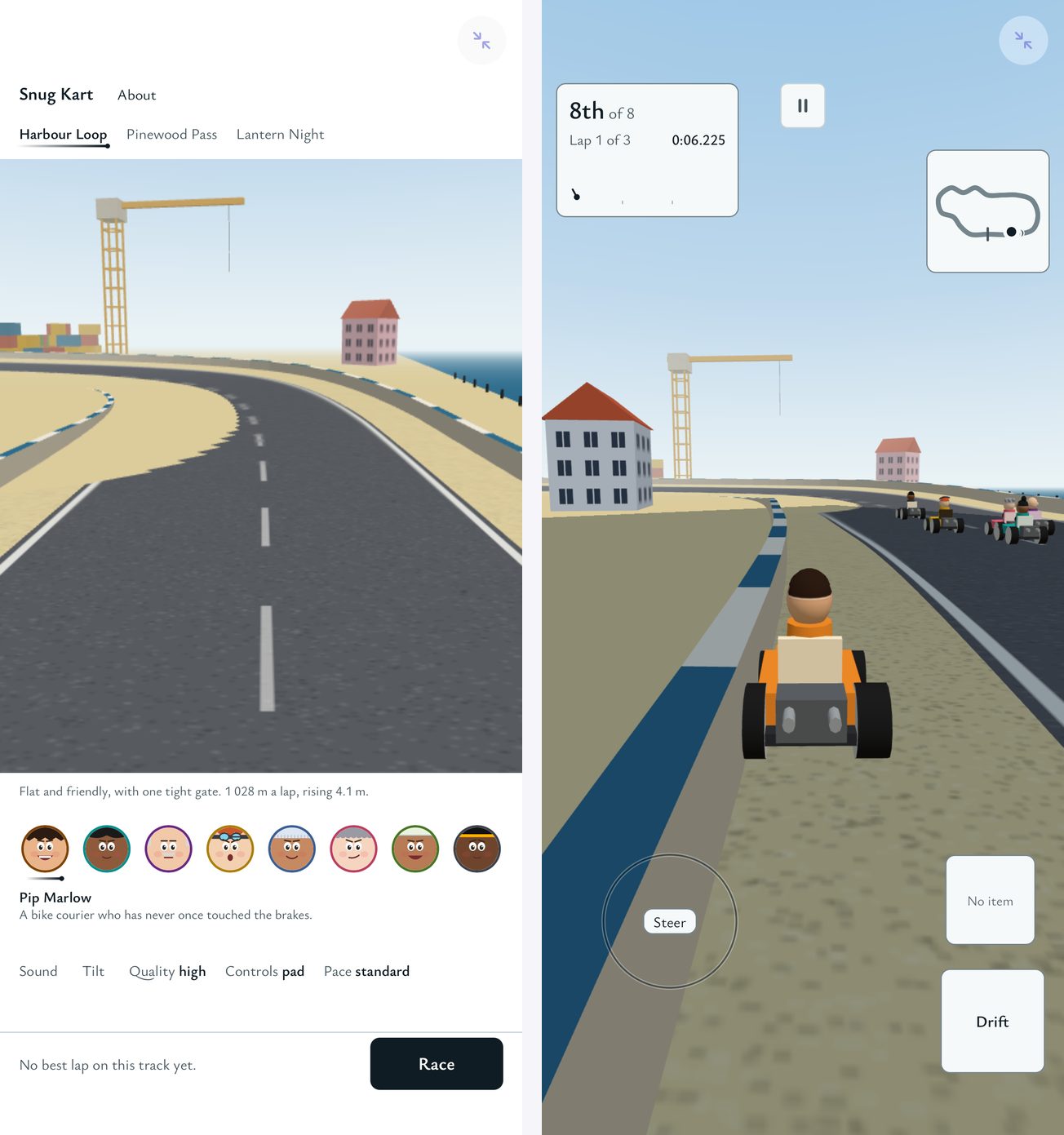 Snug Kart
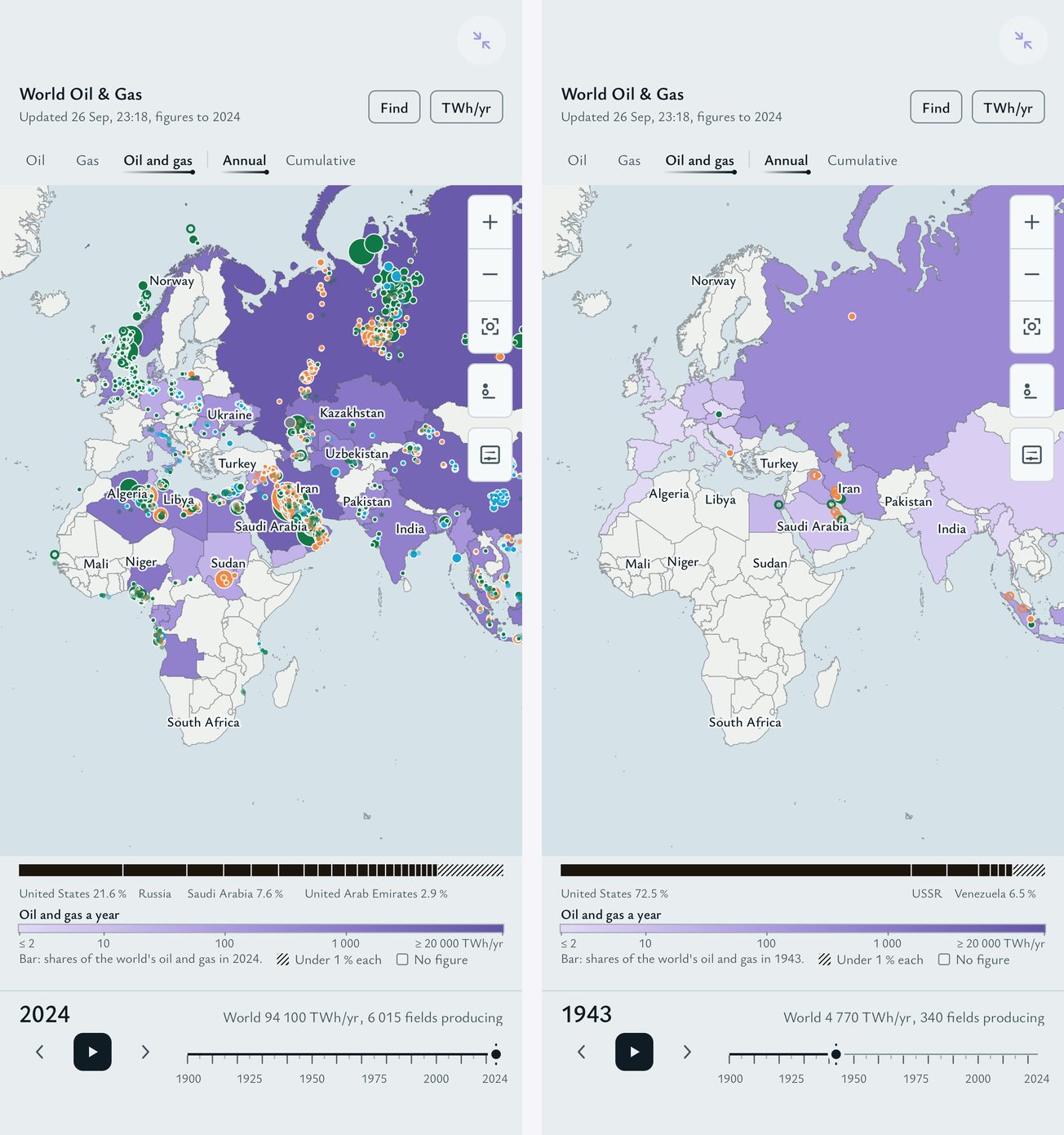 World Oil & Gas
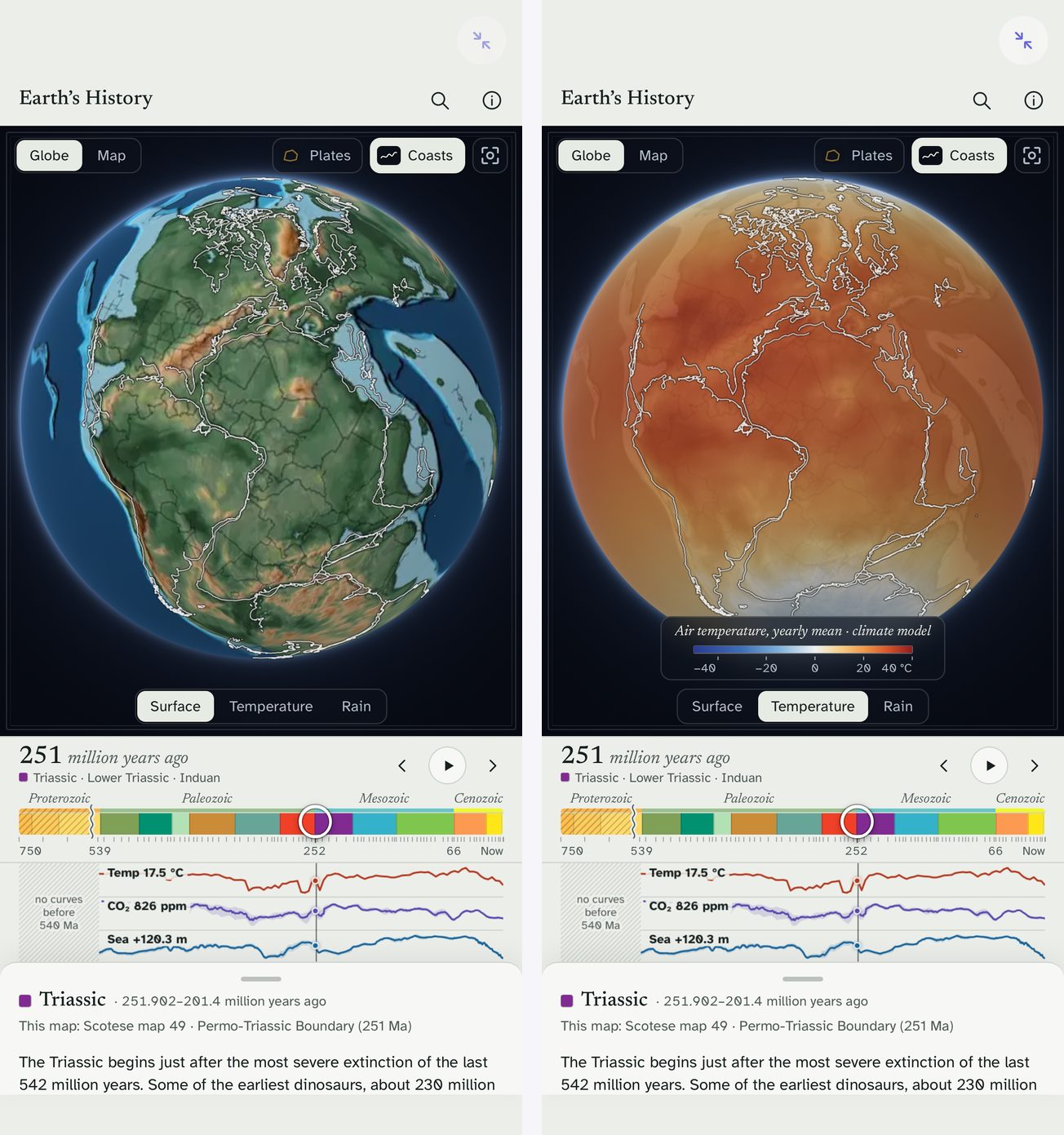 Earth's History
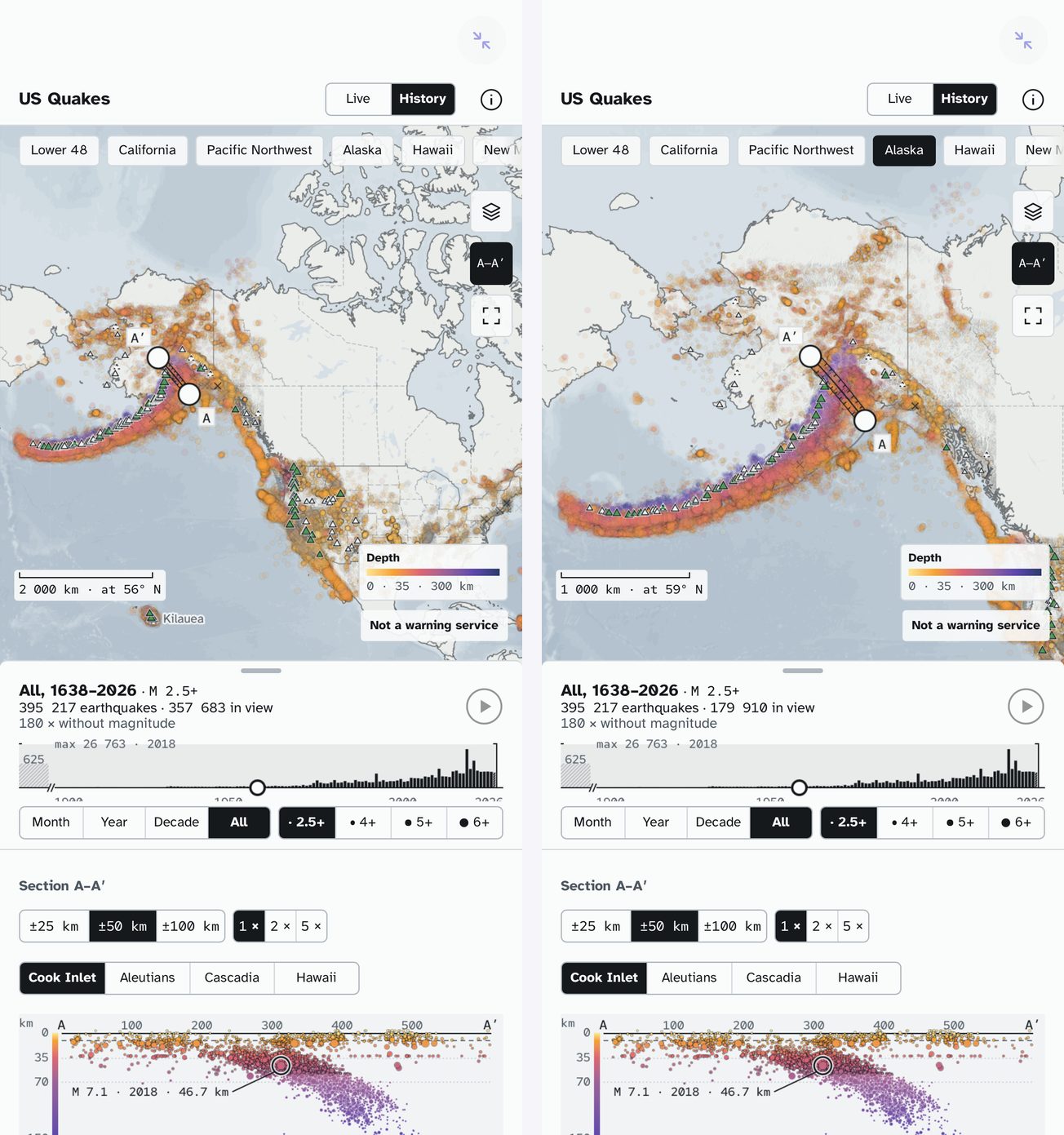 US Quakes
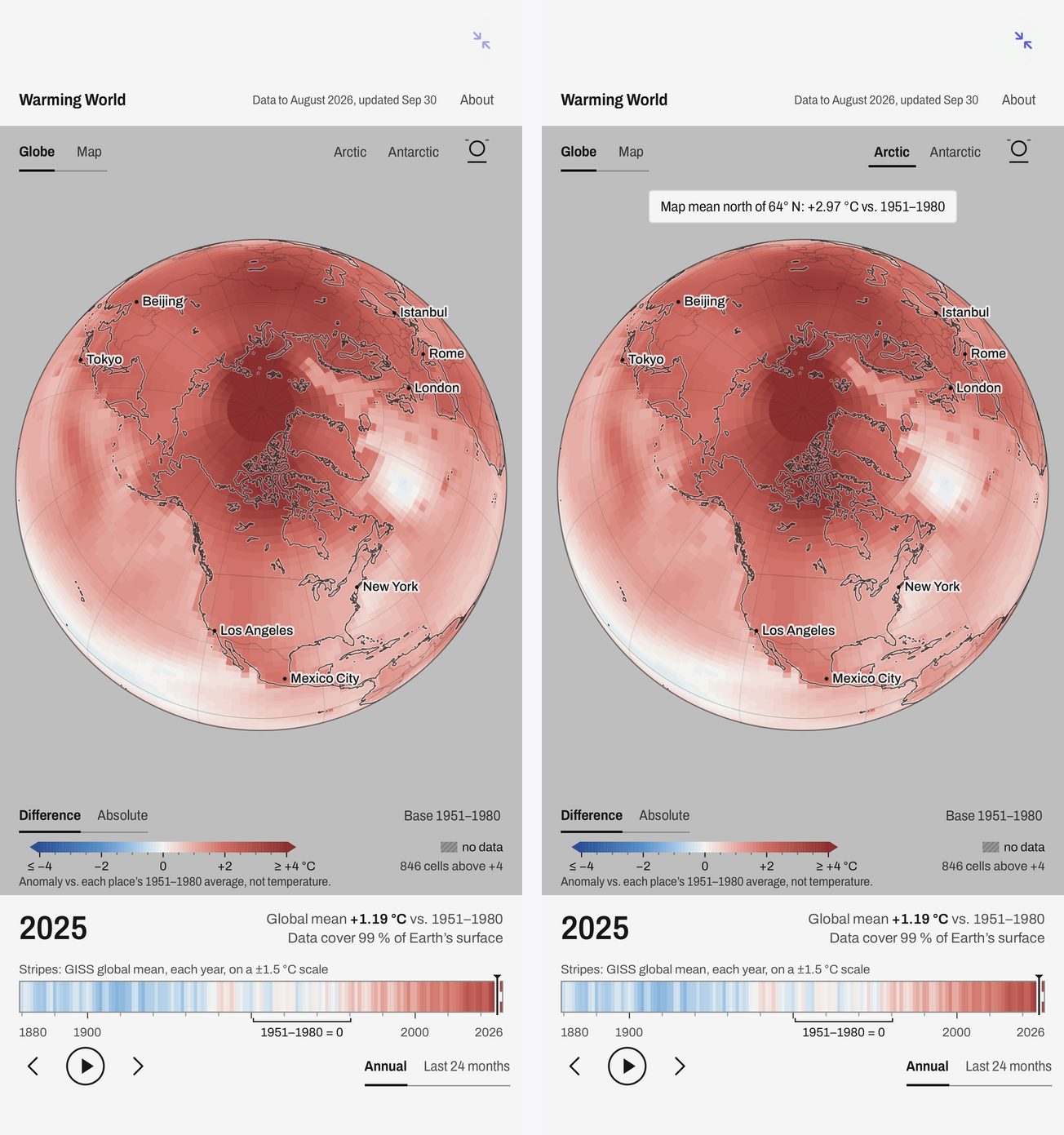 Warming World
App Store screenshots (6.9", 1320×2868)
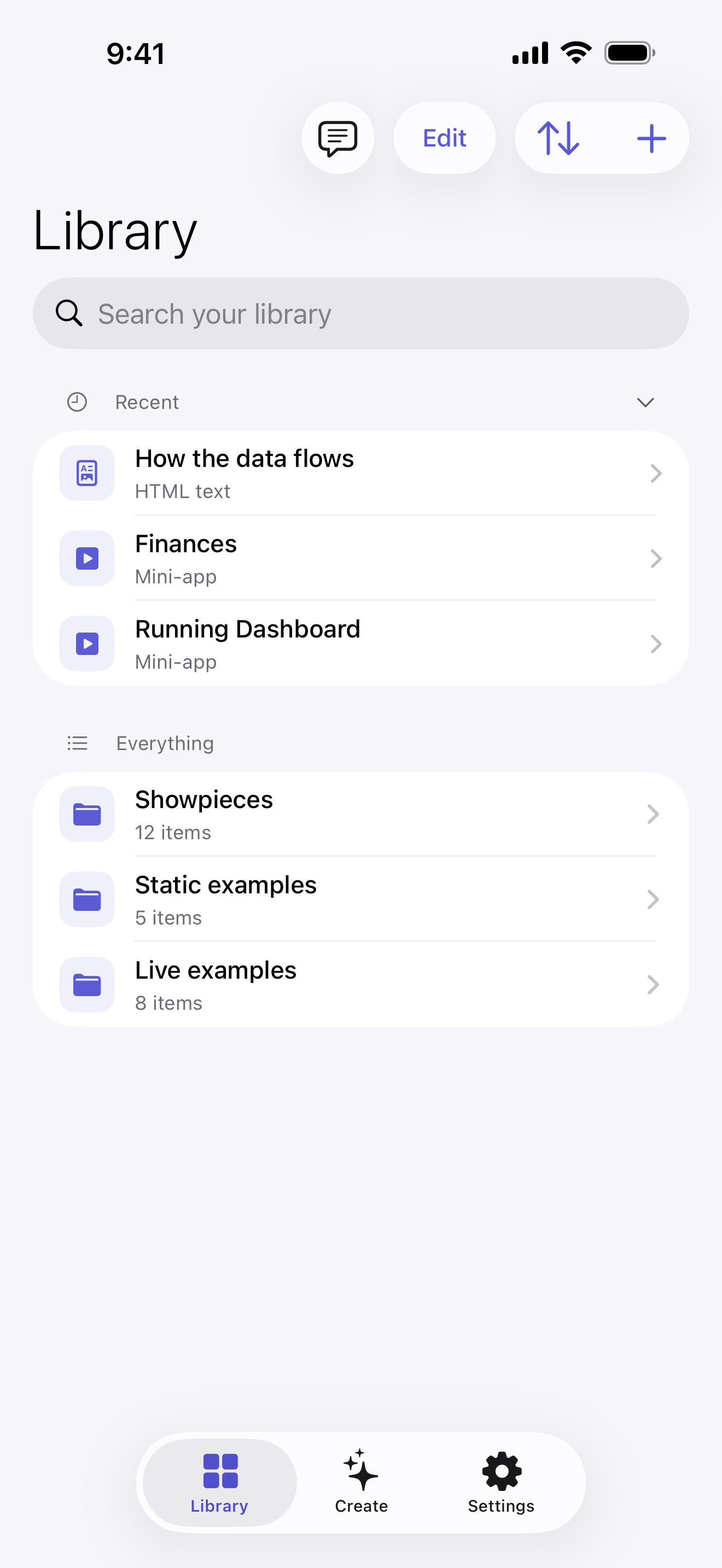
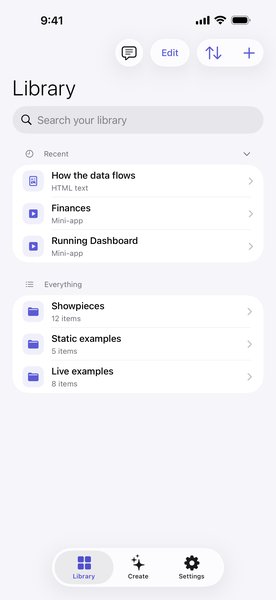 The Library
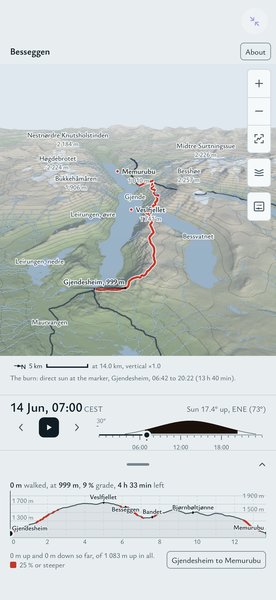 Besseggen
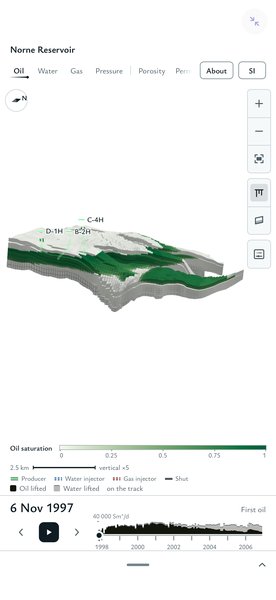 Norne Reservoir
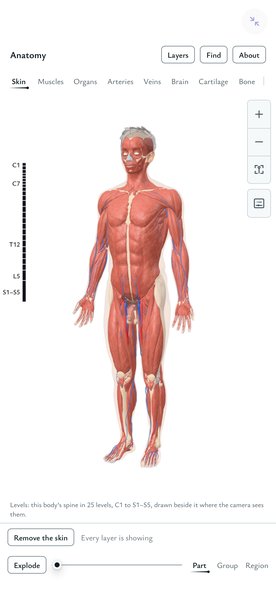 Anatomy
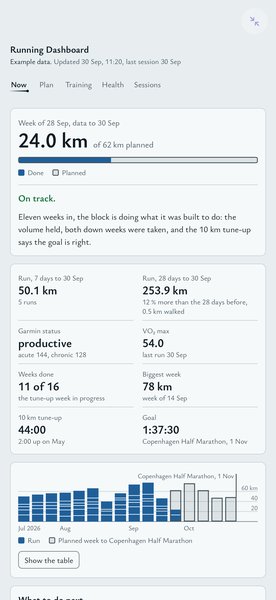 Running Dashboard
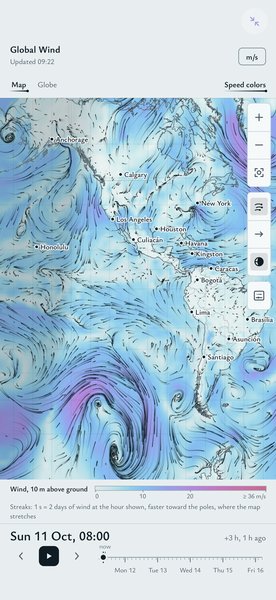 Global Wind
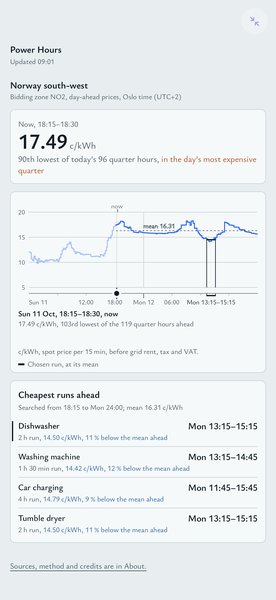 Power Hours
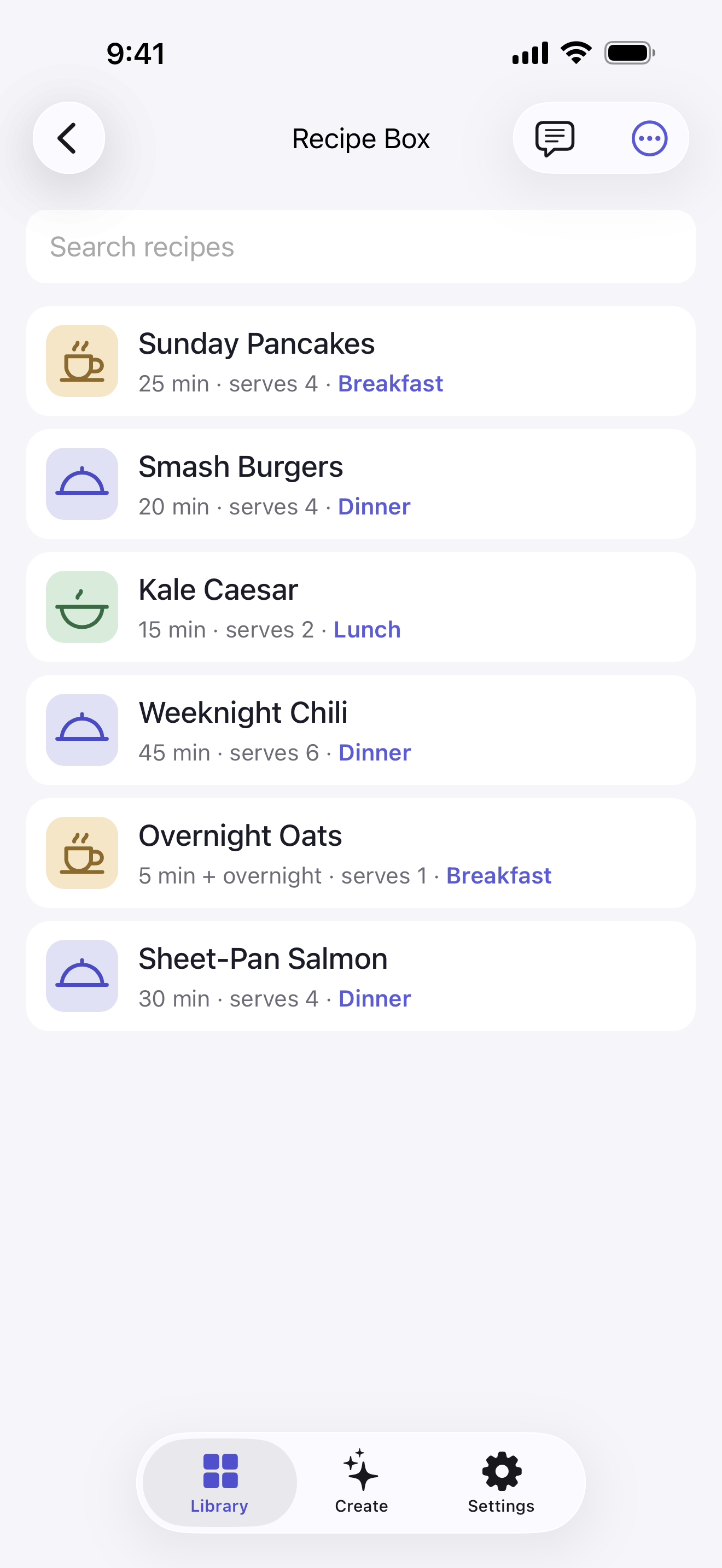
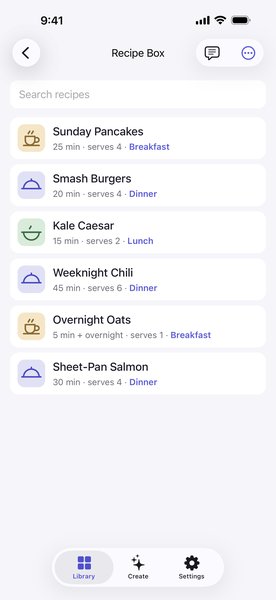 Recipe Box
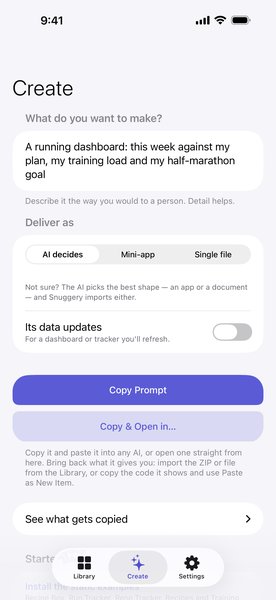 Create
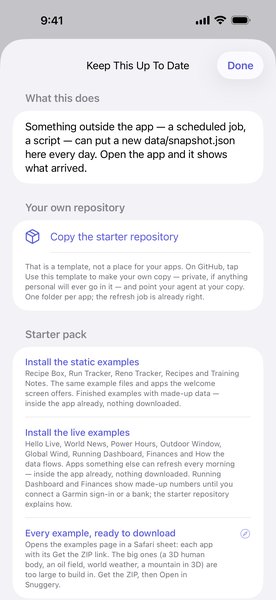 Keep This Up To Date
Icon and diagram
 Icon, 512 px
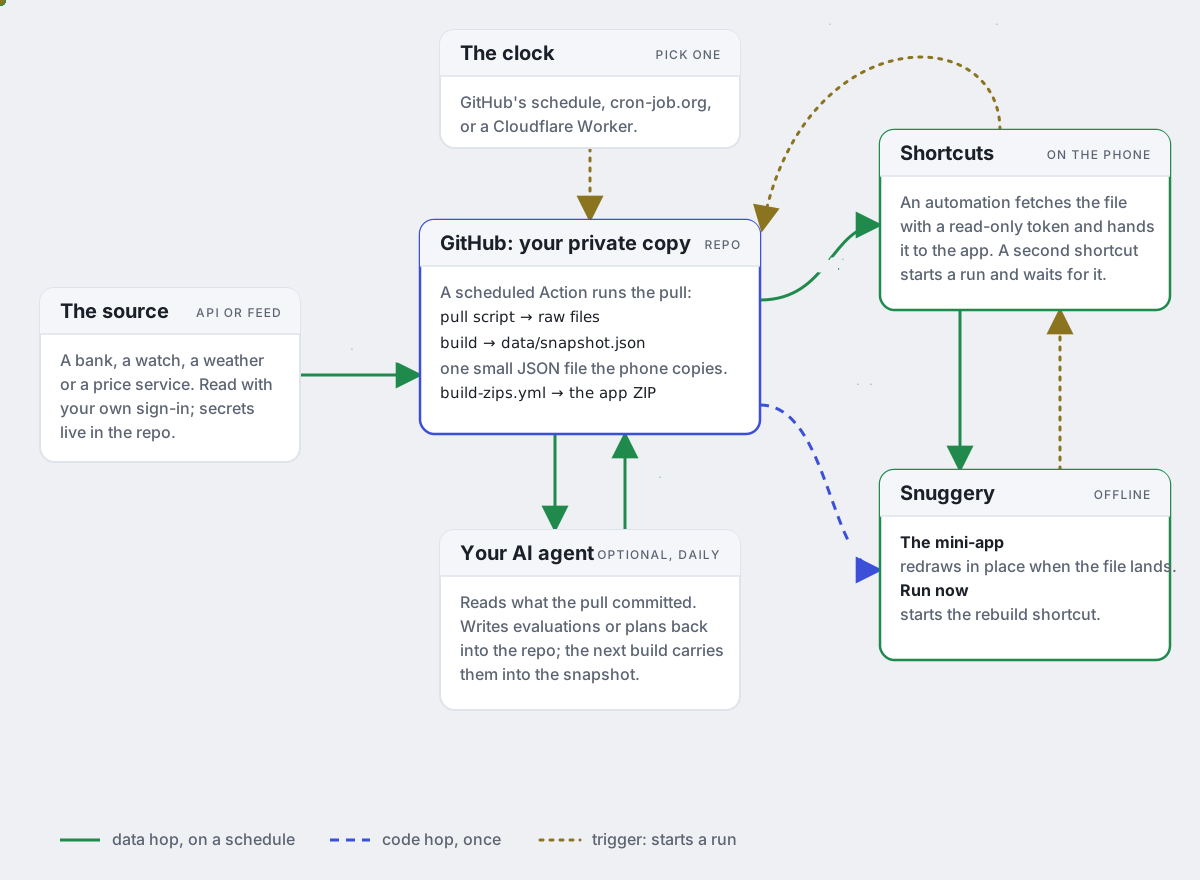 The loop, as a diagram